
Login
Products
Teams
Resources
Community
Help
Sign Up
NeuroFlow AI helps startups build, deploy, and scale
intelligent applications.
Build Smarter AI Products.
Faster Than Ever
Start for Free
Start With AI

Everything You Need to Ship AI at Scale
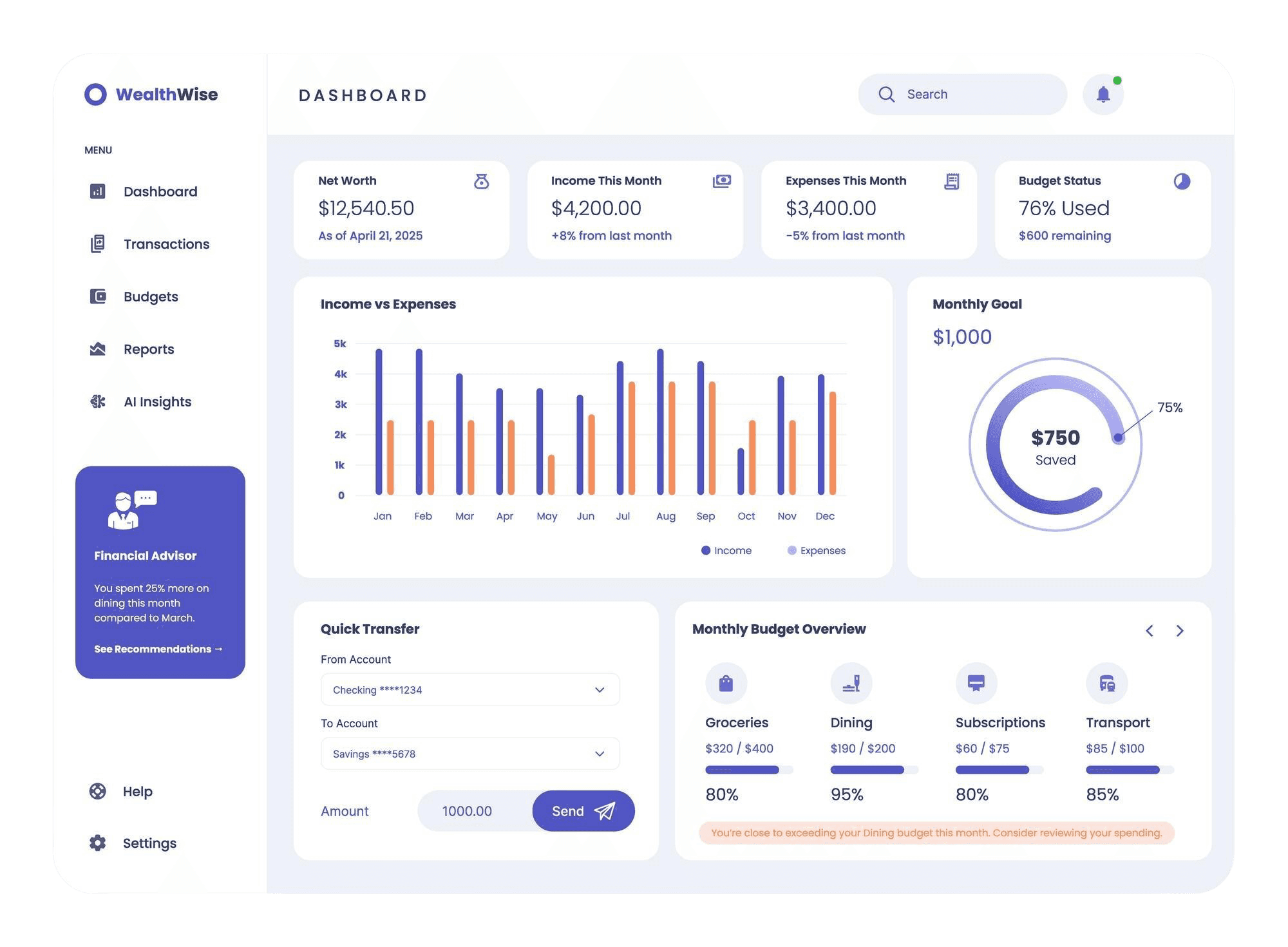

Scalable Infrastructure
Reliable, flexible compute and cloud resources that grow seamlessly with workload demand

Robust Data
Management
Centralized data access, quality controls, and governance to fuel accurate AI outcomes

MLOps & Automation
Automated pipelines for training, deployment, and monitoring of models in production

Governance & Compliance
Built-in model tracking, audit trails, and policies for secure, trustworthy AI
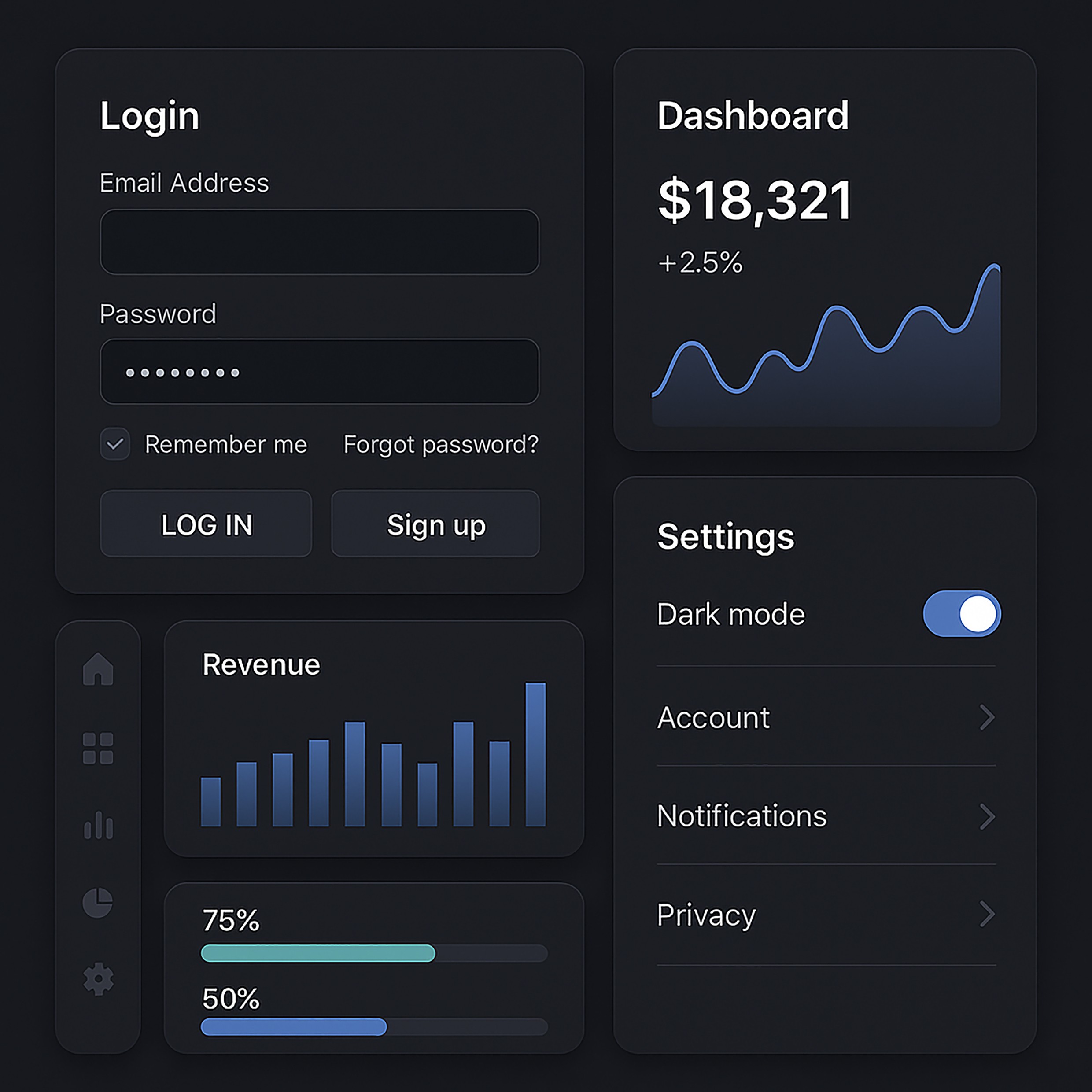
Powering teamwork to
simplify workflows
Say goodbye to version chaos and embrace a smoother workflow designed to help your team
achieve more, together
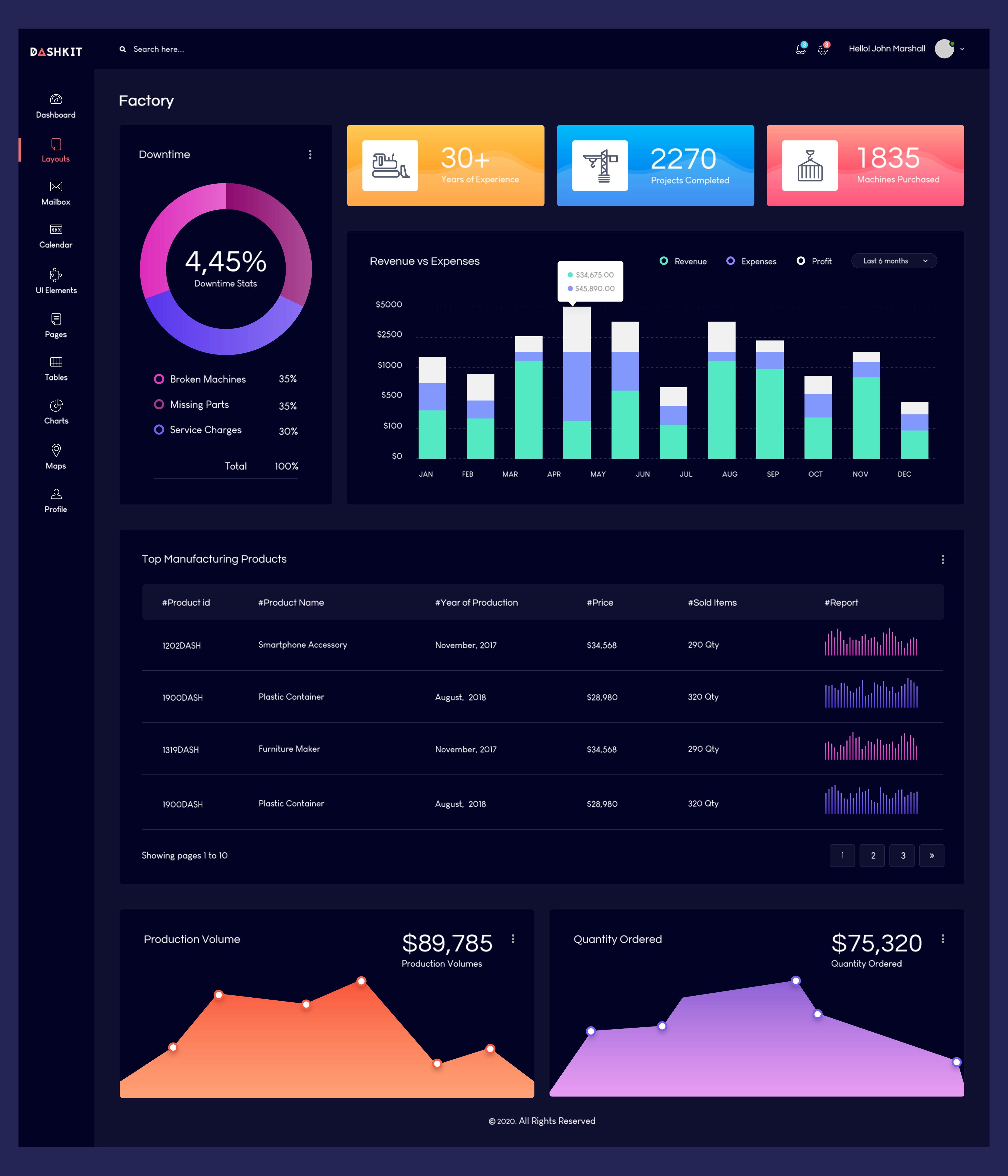
Powering ambitions
teams worldwide


Pounam Sarkar
Co-Founder at Cradle




Free
$0
Feature 1
Feature 2
Feature 3
Sign Up
Pro
$20
Feature 1
Feature 2
Feature 3
Sign Up
Team
$40
Feature 1
Feature 2
Feature 3
Sign Up
How do I draw Frames?
To draw a Frame, click on Layout in the Toolbar, then select Frame. Now, you can click and drag anywhere on the Canvas.
How do I add images?
To add an image, select any Frame, and either double-click on it, or go to the Fill property. In the Fill property, switch to the image icon. Here, you can upload images.
How do I add videos?
To add a video to your site, click the “Insert” button and navigate to the “Media” section. Then, drag and drop a video component onto the Canvas.